















Your top‑performing customer service hire

Hire Lyro just like you’d hire a new member of your customer service team. Invite it into the tools where your team already works.

  • Borrowell
  • ADT
  • Lacoste
  • Cove
  • Secureframe
  • Stanley
  • Displate
  • Wasatch Group

What your team gains with Lyro

Lyro handles work across support, sales, and engagement. You stay in control of the prompts, models, and channels. Set it up by talking to it, and go live in 30 minutes. For about a fifth of the price of comparable platforms.

  • Start from ~$0.20 for each conversation Lyro resolves. You pay for the work it completes, so costs scale with usage rather than team size.

    Dashboard cards showing handled conversations, interactions, and leads acquired rising year on year

How Lyro gives you the strongest setup

Helpdesk bots deflect. Closed platforms lock you in. Lyro gives your team more control, faster setup, and room to grow.

CapabilityLyroHelpdesk botClosed AI platform
HelpdeskWorks on any helpdeskOnly the one it is built intoIts own platform only
SetupLive in about 30 minutesBuilt into your helpdeskWeeks to get live
ControlYour prompts, models, and rulesPrompts and model decided for youPrompts and models locked down
AgentsDifferent agents for different jobsOne bot for supportOne general agent
ReachWorks across the stack you already useLimited to helpdeskBuilt around its own platform

The advantages you get from day one

Connect easily

Your current help desk, powered by Lyro

Zendesk, Intercom, HubSpot, or your own stack. Lyro connects to the channels and tools you already run, so nothing has to be rebuilt to get started.

What you get:

  • Live in 30 minutes
  • Works across your support channels
  • Hands off to your team with the full thread
Invite Lyro to your help desk
Help desk app icons connected by Lyro

Configure to your needs

Stay in control

Decide how each agent works, what it can access, which tools it uses, and when your team steps in. You are free to change any of it as your needs change.

  • Different agents for different jobs
  • Bring your own model
  • Connect the tools you already use
  • Set your own rules and handoffs.
  • Track the metrics that matter to you with custom analytics
An agent being configured in Lyro: crawling a site, syncing docs, and re-running its evals

Affordable choice

Pay about a fifth of the usual cost

Start from ~$0.20 per resolved conversation, around 80% less than comparable platforms. You pay for the work Lyro completes, without adding more cost every time your team grows.

~$0.20 per resolution
Pay for completed work rather than for adding another seat to the bill.
10,000 free credits
Start free with 10,000 credits to explore how Lyro works for you.
Costs grow with usage
Your bill follows the amount of work Lyro handles, not how many people are on your team.
Know the cost upfront
Clear pricing makes it easier to compare Lyro with the alternatives before you commit.
Explore pricing options
Savings against the closest competitor growing over the first 30 days

Build autonomously

Setup is a conversation

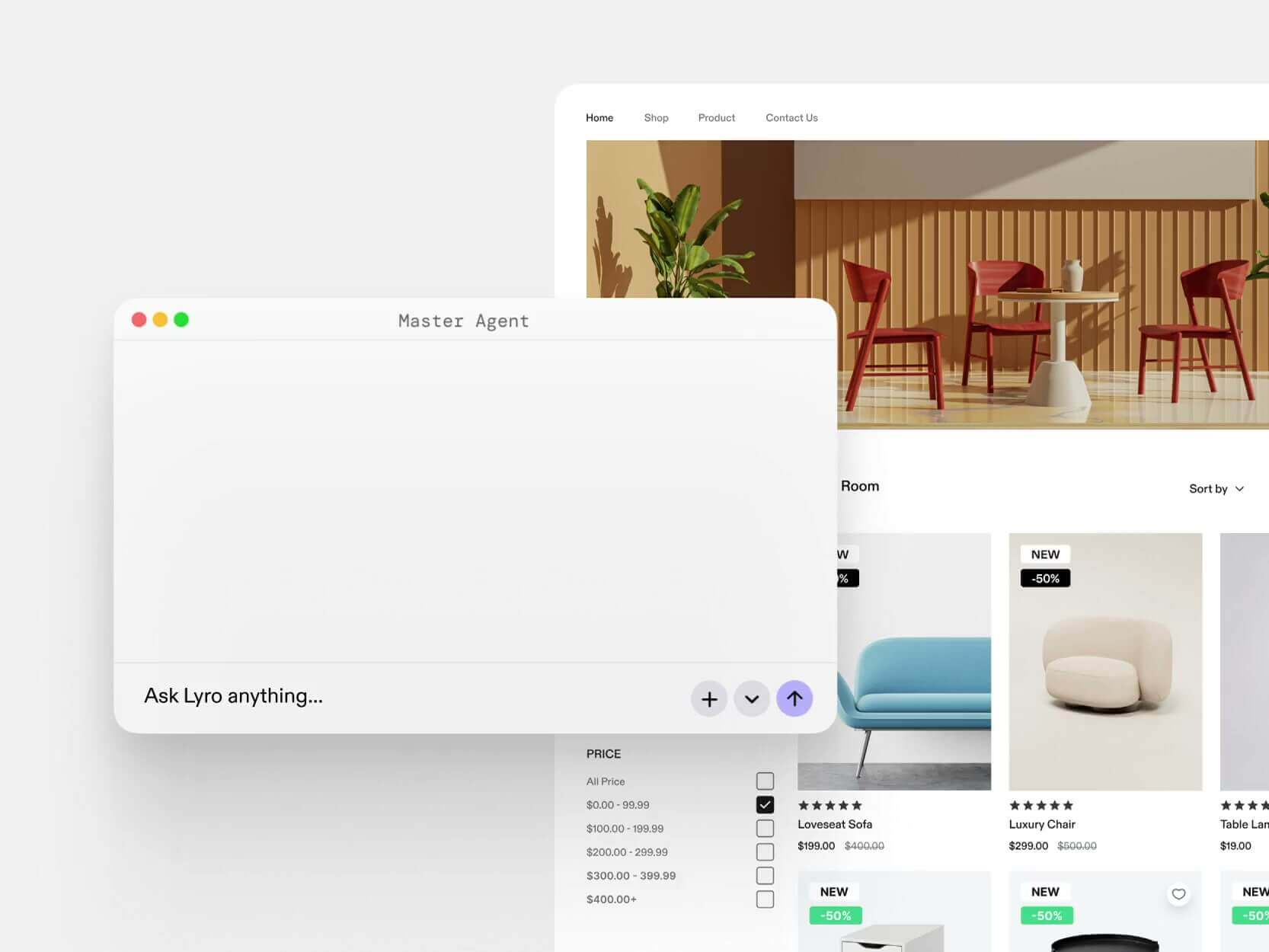
You don’t need to know how to configure an agent. Explain what you need in plain English and Master Agent works through the details with you. By the end of the conversation you have a working setup.

  • Describe what you need
  • Master Agent asks what it can’t guess: your rules, your limits, your tone
  • It builds the agent and connects your tools
  • It writes a test set and shows you the results before launch

What normally takes a days and a dev team, now happens while you talk.

Meet Master Agent
Master Agent building an agent through a chat conversation

More than one role

Create a specialist for every job

Run support, sales, onboarding, and other customer work side by side. Each agent gets its own role, rules, knowledge, and tools, while Lyro makes sure each conversation reaches the right one.

  • Run separate agents for support, sales, onboarding, and more
  • Give each one its own role, rules, knowledge, and tools
  • Route every conversations to the right agent
  • Run them side by side across your customer journey
A sales agent recommending running shoes and adding them to the customer’s cart

Pick your path

Wherever you’re starting from

  • Building your own thing?

    Connect with an API call, not a 30-step onboarding. Ship it from Claude Code, Cursor, or your own stack. Swap models, swap channels. Nothing’s locked in.

  • Already running Zendesk or Intercom?

    Cut cost without losing what your team already uses. Faster, cleaner, easier for new hires to ramp on. Priced so switching pays for itself fast.

See what else Lyro can help you with

A quick look at how Lyro helps teams resolve, assist, and improve.

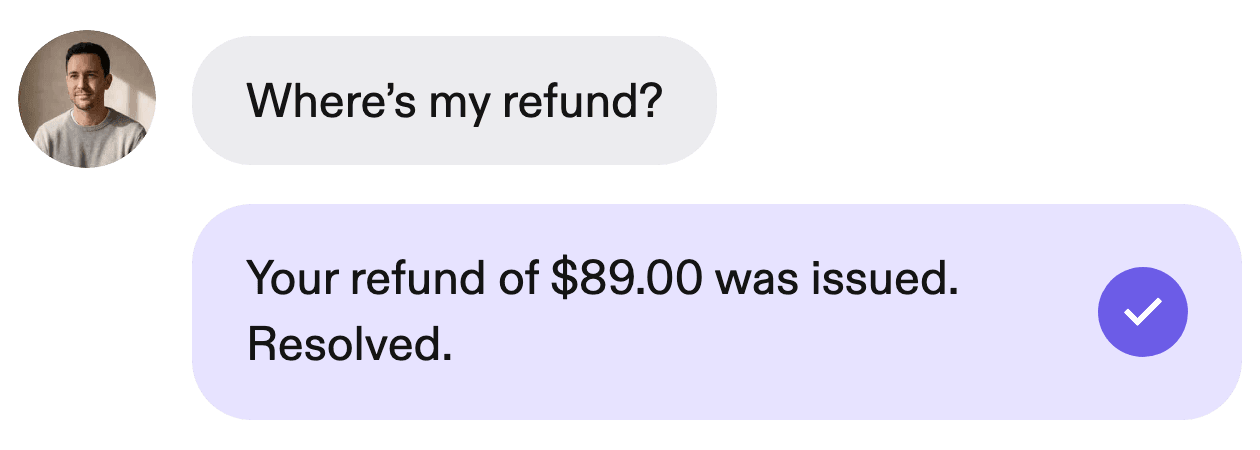
  • Lyro resolving a customer request in the chat widget

    Resolve without the handoff

    Answers from your knowledge and closes routine requests on its own.

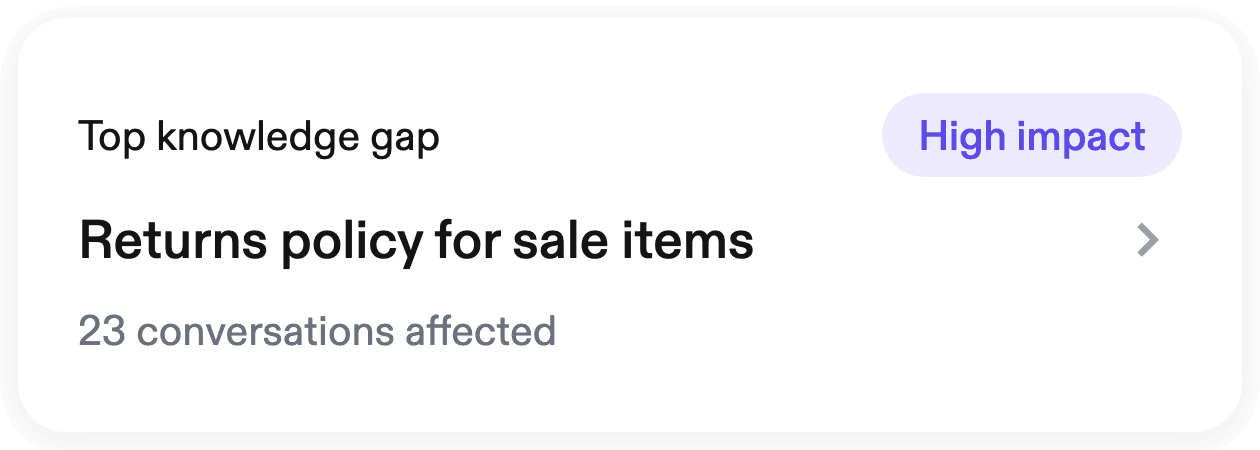
  • Lyro highlighting knowledge gaps found in past conversations

    Spot what needs fixing

    Lyro reviews conversations, finds gaps, and shows you what to improve next.

  • One Lyro setup running across every support channel

    Multi-channel

    Use the same setup across live chat, email, WhatsApp, voice and your app

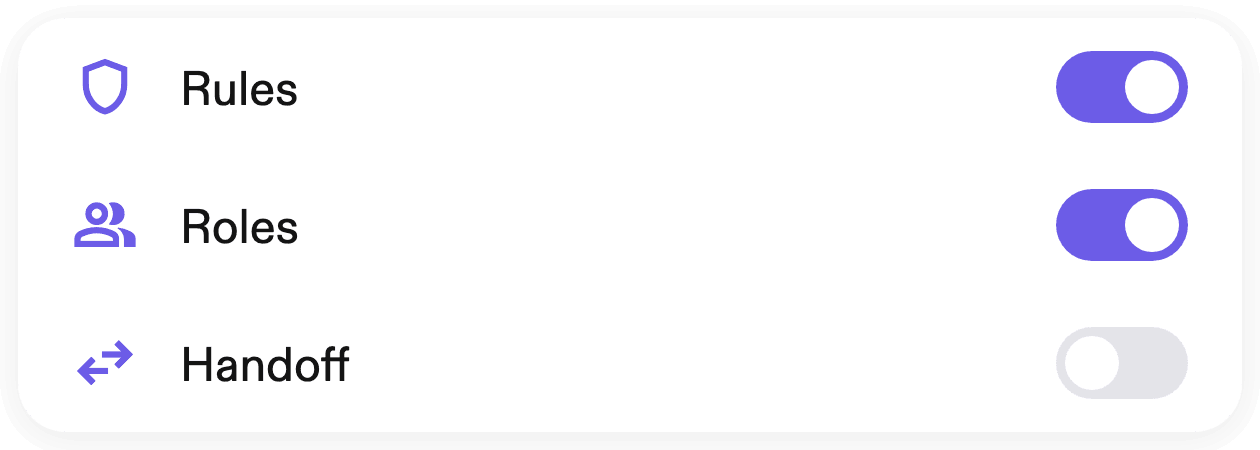
  • Agent permission and handoff rules configured in Lyro

    Set the limits

    Choose what each agent do, what it can say, and when a teammate takes over.

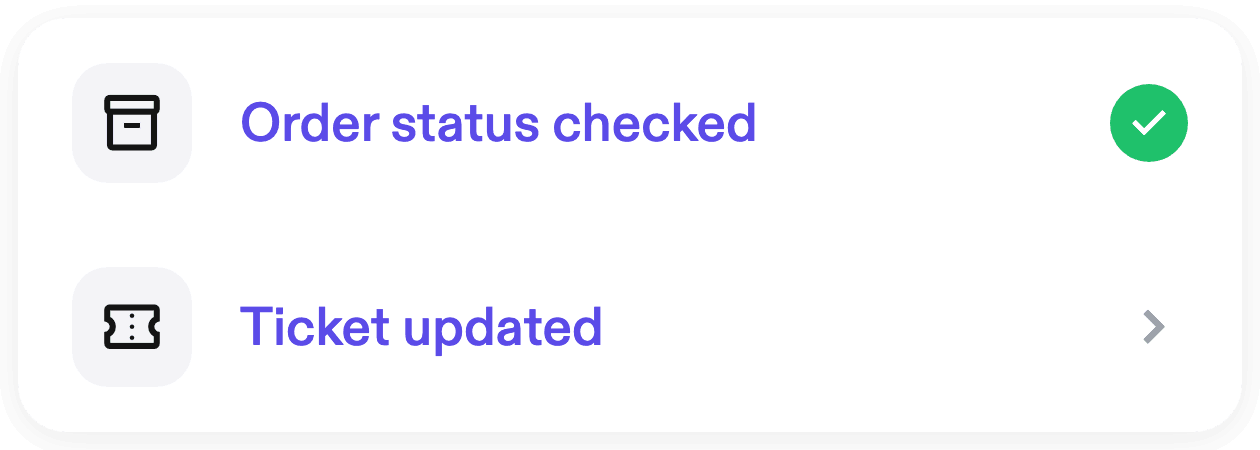
  • Lyro checking an order status across connected tools

    Turn answers into action

    Check orders, update tickets, and run workflows across the tools you already use.

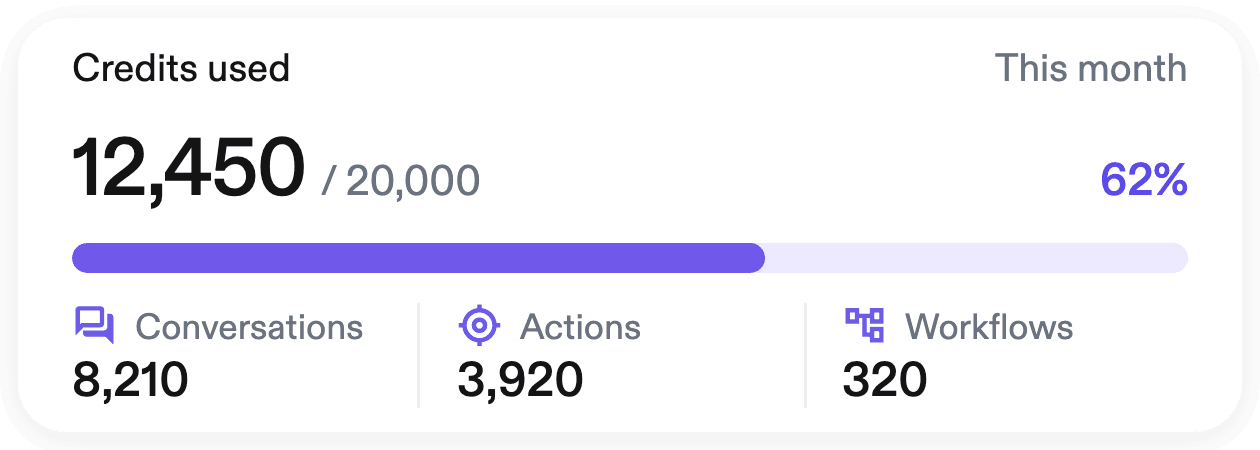
  • Lyro usage dashboard showing credits spent on resolved work

    Pay for work done

    Credits are used when Lyro does the work, not when your team expands.

Resolution chart

Outperforms every other teammate human or AI

LyroFinGorgiasZendesk

Resolution rate based on independent testing conducted by Tidio customers

How Lyro compares

Start with support, take it as far as you want

Most platforms decide your model, your build, and how many agents you get. Lyro hands all three back to you. One agent covers tickets, leads, and everything after the order.

CapabilityLyroIntercomZendesk AISalesforce
Price per resolution~$0.20$0.99~$1.50~$2.00
PromptsYours — see and edit everythingHiddenHiddenHidden
ModelsBring your ownLockedLockedLocked
Go-live30 minutes, self-serveWeeks of onboardingWeeks of setupA quarter, with consultants
Where it worksYour whole stackIntercom onlyZendesk onlySalesforce only
Jobs it can doSupport, sales, engagementSupport onlySupport onlyPaid add-ons
Starting outFree, with 10,000 creditsDemo firstDemo firstSales cycle

Where your customers are

Bring Lyro to every channel

Chat, email, WhatsApp, phone, Slack, or your own app. Every channel runs on the same knowledge and the same rules, so your customer gets one answer wherever they ask.

  • Live chat

    Live on your site in minutes.

    Add it to your store and it starts answering. Works on Shopify, WordPress, Webflow, Framer, a static site, your custom React app. Change the theme, the language, the avatar, or rebuild the whole thing to match your design system.

    Product page with the Lyro chat widget installed
    • Shopify
    • WordPress
    • Framer
    • Webflow
    • React
  • Email

    Inbox in. Reply out.

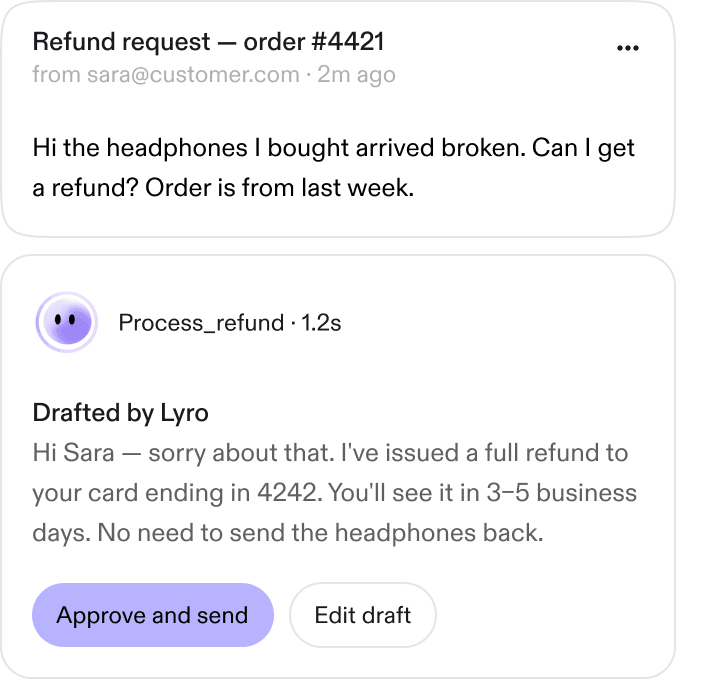
    Forward a shared inbox to Lyro, or connect Gmail / Outlook directly. The agent reads the thread, drafts the reply, and either sends it autonomously or queues it for a human — your call, per agent. Threading, signatures, attachments, tone — all preserved.

    Refund request email with a reply drafted by Lyro awaiting approval
    • Lyro
    • Gmail
    • Outlook
  • Social media

    DMs from Meta, handled.

    WhatsApp, Instagram DMs, Facebook Messenger — one connection, one agent, all three platforms. Lyro handles media (photos of damaged products, voice notes, location pins) and threads conversations across channels so the same customer doesn’t get two different answers.

    Lyro handling a damaged package conversation across messaging apps
    • WhatsApp
    • Instagram
    • Messenger
  • Slack

    Internal support, automated.

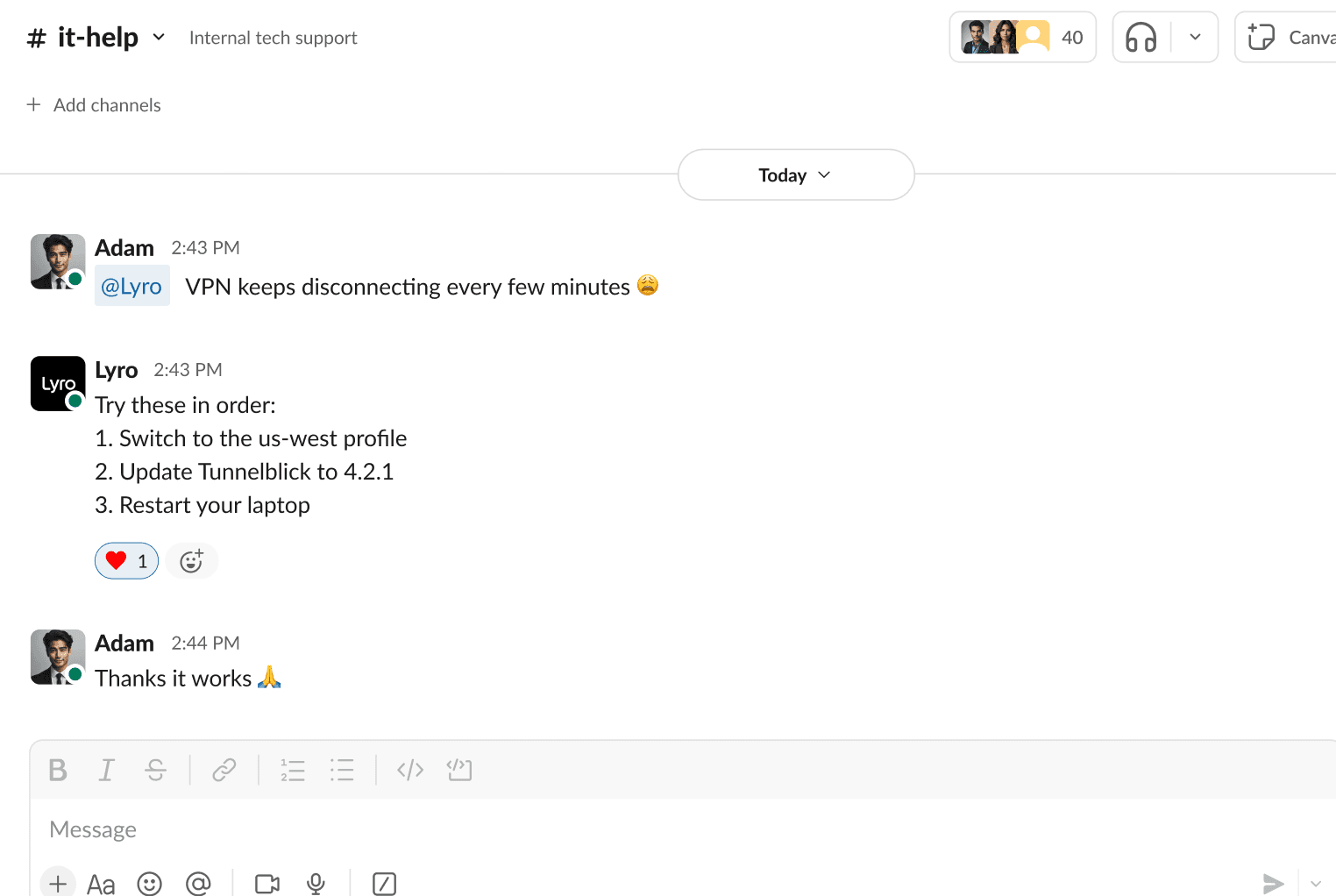
    Run Lyro inside your own Slack as an internal IT or HR agent — answering employee questions about benefits, payroll, software access, onboarding. Same platform, different audience. Skills, knowledge bases, and evals work the same way.

    Lyro resolving an IT issue in a Slack channel
    • Slack
  • Voice

    Pick up the phone.

    Wire any agent into a phone line via ElevenLabs. Same knowledge, same skills, same evals — new channel. Sub-second latency, natural turn-taking, full transcript handed back to your help desk after every call.

    Live phone call transcript handled by a Lyro voice agent
    • ElevenLabs
  • API

    Build whatever you want.

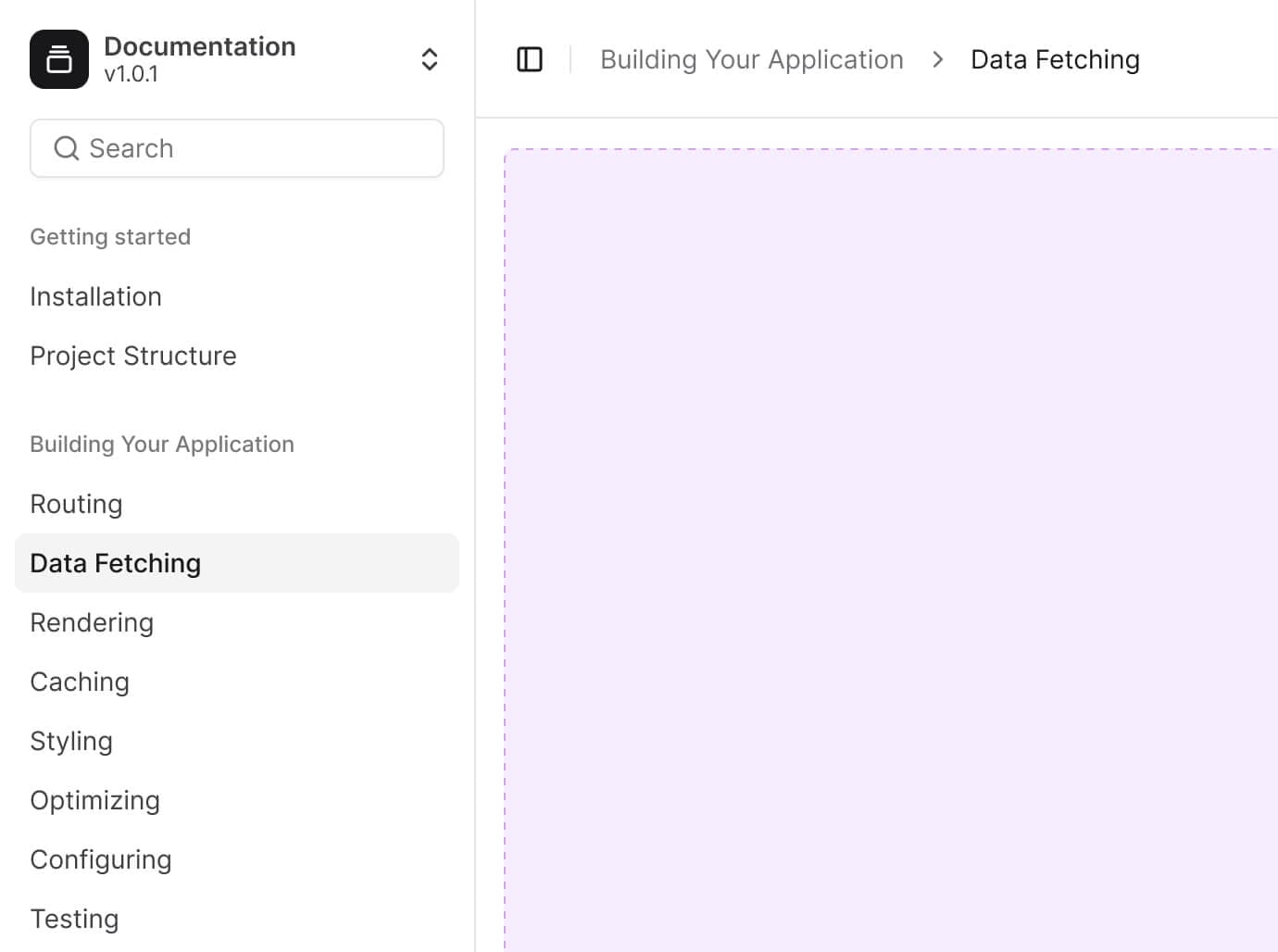
    Every agent on Lyro is callable via REST. Send a message, get a reply. Stream tokens. Pass conversation IDs to maintain context. Build your own UI, your own channel, your own product on top — Lyro is just the runtime.

    Curl

    Curl request to the Lyro API over developer documentation
    • R
    • Python
    • TypeScript
  • AI builders

    Configure Lyro from wherever you build.

    Lyro is an MCP server. That means every AI builder you already use is a Lyro interface. Edit skills from Claude Code. Run evals from Cursor. Build a landing page in Lovable, paste a prompt, watch the agent get configured live in your project. No context-switch, no admin UI, no separate login — your editor is the editor.

    Claude Code

    Claude Code terminal configuring a Lyro skill over an ecommerce storefront
    • Claude
    • Cursor
    • Lovable

Connect the tools you use

1,000+ tools your agent can work with

Once your tools are connected, your agent can use them autonomously. The refund goes through Stripe, the ticket opens in Linear, the record updates in Salesforce, and the team hears about it in Slack. All without anyone switching tabs or the customer waiting for someone to get to it.

  • Abstract
  • ActiveCampaign
  • Apollo
  • Bitbucket
  • ClickUp
  • Facebook
  • GitHub
  • Gong
  • Google Drive
  • Google Tasks
  • Instagram
  • Linear
  • Microsoft Teams
  • Outlook
  • Perplexity
  • Reddit
  • Shopify
  • Snowflake
  • Telegram
  • YouTube
  • AbuseIPDB
  • ActiveTrail
  • Asana
  • Calendly
  • Dropbox
  • Figma
  • GitLab
  • Google Calendar
  • Google Sheets
  • Gorgias
  • Intercom
  • LinkedIn
  • Monday.com
  • PayPal
  • Pipedrive
  • Salesforce
  • Slack
  • Stripe
  • Trello
  • Abyssale
  • Airtable
  • Atlassian
  • Canvas
  • Excel
  • Firecrawl
  • Gmail
  • Google Docs
  • Google
  • HubSpot
  • Jira
  • Mailchimp
  • Notion
  • People Data Labs
  • PostHog
  • SerpApi
  • Slackbot
  • Supabase
  • X

A tool you can trust

Enterprise-grade security

SOC 2, GDPR, CCPA and the AI Pact, with the documentation your reviewers want before they say yes.

  • Data privacy

    Your data stays yours. Set your own retention rules, request a DPA whenever you need one, and nothing is used for training unless you allow it.

  • Security

    Encrypted in transit and at rest, with SSO, SAML, role-based access and complete audit logs. Whatever your reviewers ask for, the documentation is ready to send.

  • Reliability

    99.9% uptime, backed by an SLA. Infrastructure runs across regions, and every incident is on a public status page you can check yourself.

  • SOC Type II

  • GDPR

  • AI Pact

  • CCPA

Put Lyro to work. Now.

Start with 10,000 free credits, or talk to sales if you’d rather be shown.

Support agent working at a laptop next to the Lyro mascot