
42%
Rapyd cut its resolution time without touching the help desk it already ran.

Invite Lyro to your Zendesk. It answers first, resolves 72% of conversations on its own, and hands the rest to your team — tickets, macros, and SLAs untouched.
Lyro joins Zendesk like a new hire. It answers first in the widget and messaging channels your customers already use, resolves most conversations on its own, and hands the rest to your people with the transcript. Set it up by talking to it, go live in an afternoon, for a fraction of the AI add-on.
Invite Lyro to Zendesk
Choose the model, set the rules, decide which channels Lyro answers. You're not locked into Zendesk's AI.
Lyro closes 72% of conversations without a human, across all clients. Most help-desk AI starts near 20% and needs months of knowledge-base grooming to climb — which is why so many of those bots get switched off. Lyro reads your help center, your site, and your past conversations, and drafts the article for every gap it finds.
42%
Rapyd cut its resolution time without touching the help desk it already ran.
$0.20 per resolved conversation, published, free to start — against about $2 per resolution for Zendesk's AI add-on. Pick the model per agent: a fast one for order status, the premium one for the hard cases. No add-on, no overage, no sales call to size it. Nothing lands on your Zendesk invoice.


Lyro on your Zendesk
$0.20per resolved conversation
Zendesk AI Agents add-on
$2per resolution
Zendesk covers your widget and messaging. Lyro adds voice, email, WhatsApp, and 1,000+ tools it can act in — all from one knowledge base and one set of rules. You teach one agent, not five bots.



LyroApp9:00 AM
Yesterday: 1,204 conversations across the Zendesk widget, WhatsApp, and voice. 74% resolved end to end, 38 handed to the team in Zendesk — all from the same knowledge base.
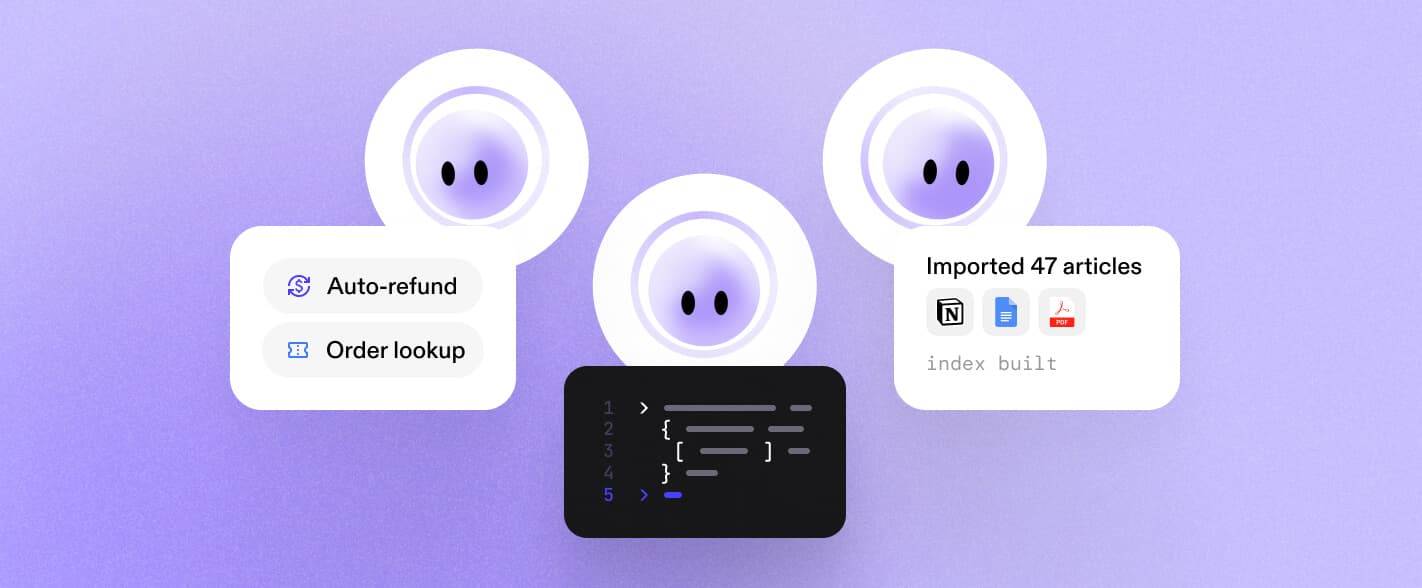
Master Agent is the one agent you talk to. Connect Zendesk once, then say what you want: “put Lyro on our Zendesk widget and hand off refunds over €50.” It reads your help center and past conversations, writes the knowledge base, sets the handoff rules, tests them on real tickets, and waits for your okay. You never configure it. You tell it what you want.

> put Lyro on our Zendesk widget
Connect, teach, set the rules. Each step starts from the web, or with a line you paste into Claude or Codex.
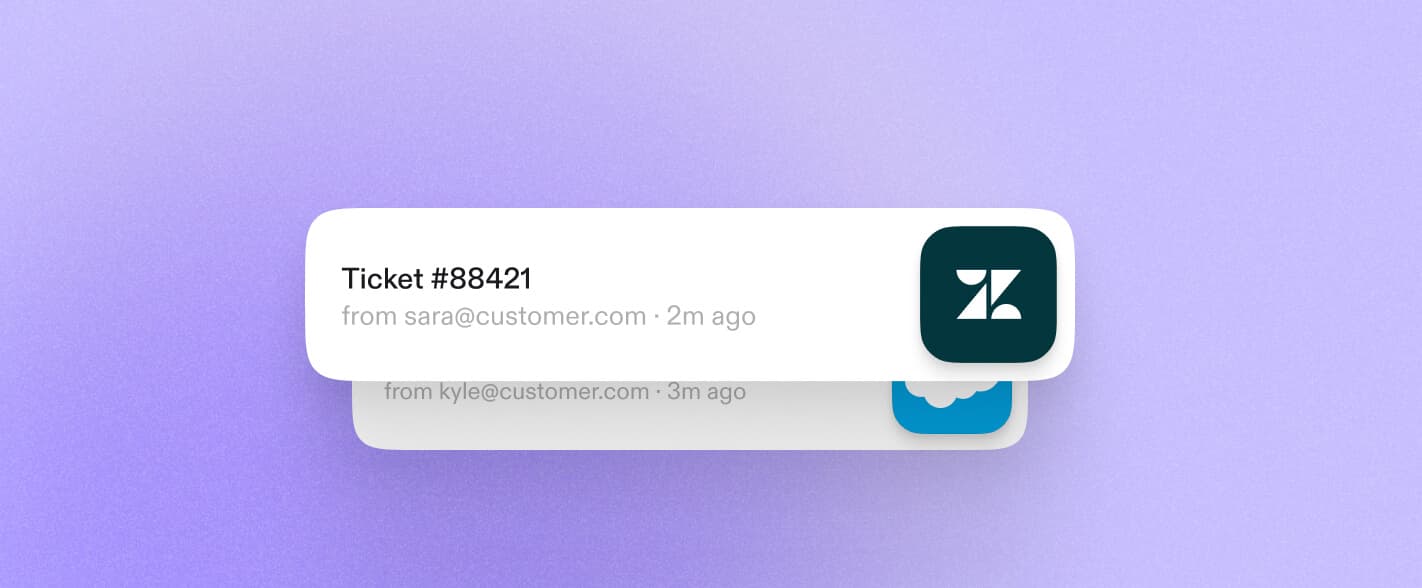
Connect your Zendesk account and say put Lyro on our Zendesk. Lyro becomes the first responder in Zendesk Messaging — the same widget, WhatsApp, and Facebook Messenger channels you already run.

Say learn our help center and the last 90 days of tickets. Lyro writes a knowledge base that matches how your product actually behaves — not a generic FAQ — and flags the gaps for you. Site crawl and PDFs work too.

Say hand off refunds over €50 and anyone who asks for a person. Lyro writes the rule, generates a test suite from your tickets, and waits for your okay before it publishes. Your triggers, views, and SLAs take it from there.

Refund request of €72 — above your €50 guardrail. Handing to the team in Zendesk with the transcript and a summary.
Open in ZendeskShow me first
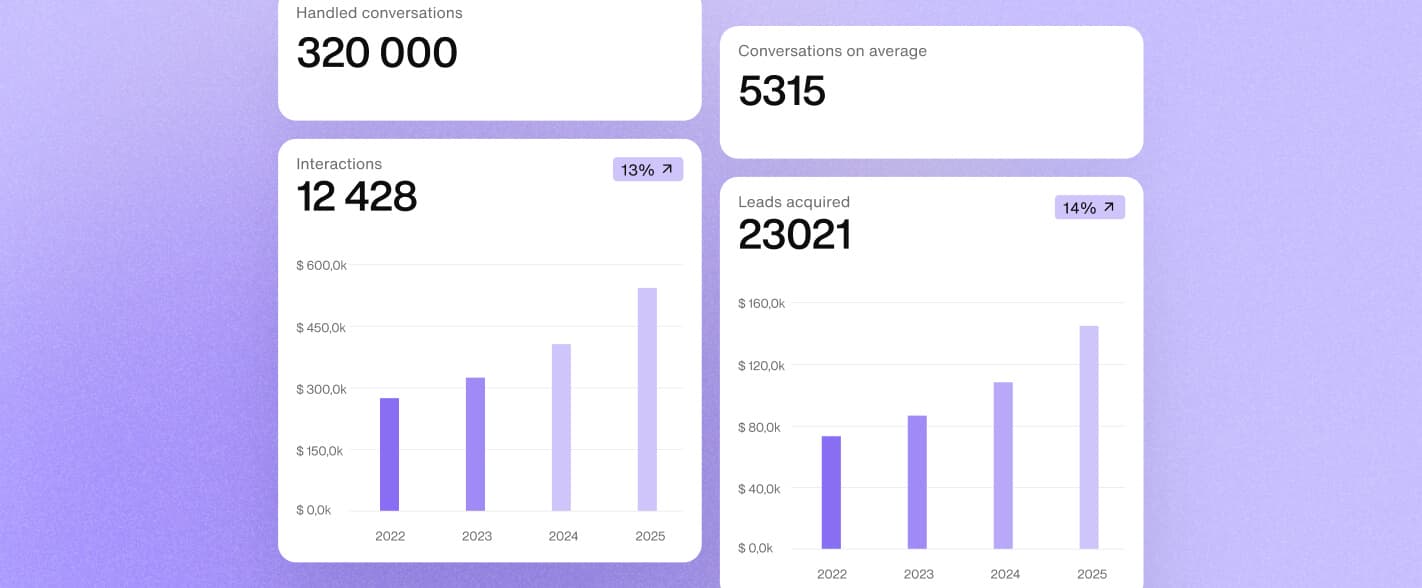
Lyro closes 72% of conversations without a human, measured across every client, and the number keeps climbing. Most help-desk AI starts near 20% and stalls there. Lyro is built to resolve, not to deflect.
Lyro: measured across all clients. Zendesk AI Agents: independent deployment analyses, 2024–2026.
“The resolution rate exceeded our expectations. Being able to automatically resolve 42% of inquiries means our specialized support agents can focus on the complex cases that truly need their expertise.”
“Basic onboarding took about 2 weeks, pretty easy, mostly just trying to anticipate what kind of data I need!”
“Implementing a chatbot helps us stay lean and agile, while still being able to scale our operations and maintain a high level of service.”
No. Lyro joins through Zendesk's integration layer, not as an agent seat. You pay Lyro's credits and nothing extra to Zendesk.

Start free. No migration, no sales call, nothing added to your Zendesk bill.

 Claude Code